
Telegram Tips
Open in Telegram
Telegram stands for freedom and privacy and has many easy to use features.
Show more2025 year in numbers
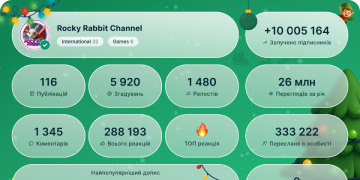
13 439 512
Subscribers
+2 59124 hours
+27 0077 days
+106 67530 days
Posts Archive
00:05
Video unavailableShow in Telegram
Swipe Left to Reply. Replies are threaded, so you can keep conversation topics organized and tap to view the original message.
In group chats, replies send a mention notification that the user will see even if they have the chat muted.
swipe reply.mp42.11 MB
00:05
Video unavailableShow in Telegram
SD Card Storage. Go to Settings > Data and Storage > Storage Path on Android to start saving your Telegram media and files to your SD Card.
Storage Usage Settings let you free up space on your device – without deleting any messages or media.
SD Card Updated.mp41.46 MB
00:09
Video unavailableShow in Telegram
Private Channels for Storage. Every Telegram user has unlimited cloud storage, and you can use themed private channels to store all your media and files.
private channels.mp43.28 MB
00:15
Video unavailableShow in Telegram
Reminders. You can schedule messages in your Saved Messages chat to remind yourself about future errands and events.
fry with audio.mp45.58 MB
00:10
Video unavailableShow in Telegram
Tap to Preview Stickers. You never have to ask someone where they found their stickers – just tap a sticker in any chat to add the pack to your library.
ducks square.mp44.09 MB
00:09
Video unavailableShow in Telegram
Change Your Phone Number. If you get a new number, open Settings to update it so your SMS login codes always go to the right place.
Change number ENG.mp42.92 MB
00:06
Video unavailableShow in Telegram
Usernames. Create a username for your account to let other users search for your profile – without sharing your phone number.
usernames v3.mp41.68 MB